
PTO No-Engage Decision Tree
PTO no-engage diagnosis always begins with enable signal and interlock status before any hydraulic or mechanical PTO component is condemned.
Fault Overview
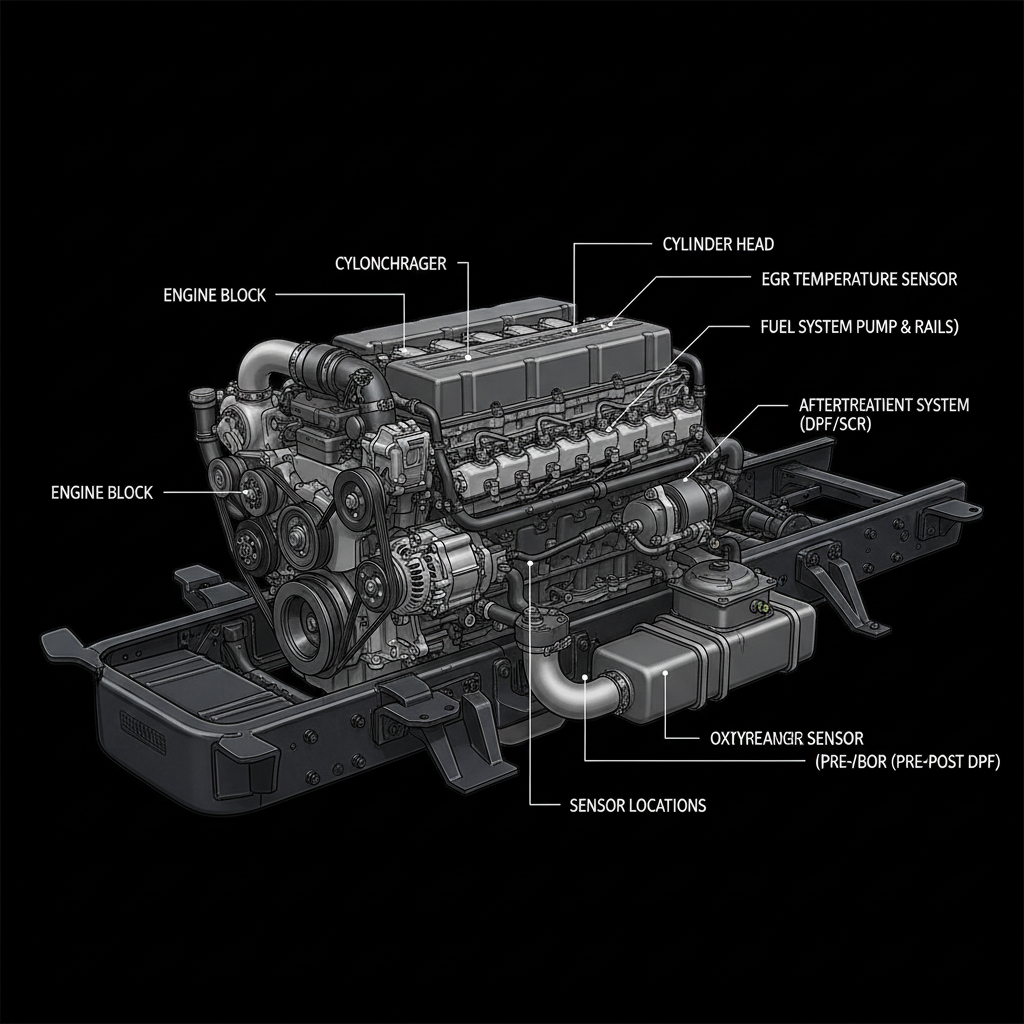
System process page. Structured decision tree for PTO that will not engage or stay engaged. Integrates enable circuit, interlocks, speed control, and related switch status.
Engine & Platform Coverage
Symptoms
- •PTO won't engage
- •PTO no engage
- •Power take-off inoperative
- •PTO switch on but no response
- •Stationary PTO failure
Possible Causes
- 1.Enable switch or circuit fault
- 2.Neutral/park interlock not satisfied
- 3.Brake or clutch switch inhibit
- 4.Engine speed or parameter limits
- 5.Body controller or multiplex fault
- 6.Aftermarket wiring errors
- 7.Low voltage or network issues
Diagnostic Flow — FSM Sequence
AI Diesel Tech enforces this evidence-gate sequence. Each gate must pass before advancing.
6 steps locked behind Technician Mode- 1Step 1 — Confirm PTO Switch Status and Enable Circuit Voltage: Confirm PTO switch status in live data and measure enable circuit voltage. The enable signal must be present and correct before any other diagnosis.
- 2Step 2 — Verify All Interlocks Are in the Required State: Verify all interlocks (neutral/park, brake, clutch, park brake) are in the required state for PTO engagement. Interlock conflicts are the most common reason a PTO will not engage even when the switch and wiring are good.
- 3Step 3 — Check Engine Speed and PTO Speed Parameters: Check engine speed and any maximum/minimum PTO speed parameters. The engine may need to be at a specific speed range for PTO engagement.
- 4Step 4 — Monitor for Related Codes: Retrieve all active and pending codes. Related codes (range sensor, brake switch, etc.) often identify the specific inhibit.
- 5Step 5 — Inspect Body-Builder and Aftermarket Wiring: Inspect body-builder and aftermarket wiring for errors or conflicts. Body-builder wiring is a frequent source of PTO no-engage on vocational trucks.
- 6Step 6 — Verify Network Communication: Verify network communication if the PTO is controlled through a multiplexed system. Network faults can prevent PTO commands from reaching the actuator.
- 7Step 7 — Attempt Engagement While Monitoring Live Data: Attempt PTO engagement while monitoring live data for the specific inhibit. The scan tool should show which condition is preventing engagement.
Unlock the full evidence-gated diagnostic sequence, DVOM test steps, and repair procedures in Technician Mode.
Repair Steps
3 steps locked- 1Correct interlock faults.
- 2Repair enable circuit.
- 3Adjust parameters.
- 4Repair body-builder wiring.
- 5Address switch faults.
Unlock full diagnostic steps, DVOM tests, and repair procedures.
Full Diagnostic Access
Verification steps, preventative measures, severity guidance, and legacy comparison are available in Technician Mode.
Start Diagnosing This Fault Now
AI Diesel Tech walks you through every evidence gate in the correct order. Choose the plan that fits your shop.
Related Resources
Related Fault Codes
AI Diesel Tech — The Technician's Diagnostic Engine
AI Diesel Tech diagnostic logic is built by an ASE Certified Diesel Technician and engineered for professional shop use. Trusted by technicians nationwide — used in shops, fleets, and training programs.
Summary
PTO no-engage diagnosis always begins with enable signal and interlock status before any hydraulic or mechanical PTO component is condemned.