
Speed Source Conflict: OSS vs ABS vs Network Broadcast
Speed problems are often source conflicts. TCM replacement for an ABS wheel-speed fault — or incorrect parameters after module programming — is the most documented misdiagnosis on multi-source speed architectures.
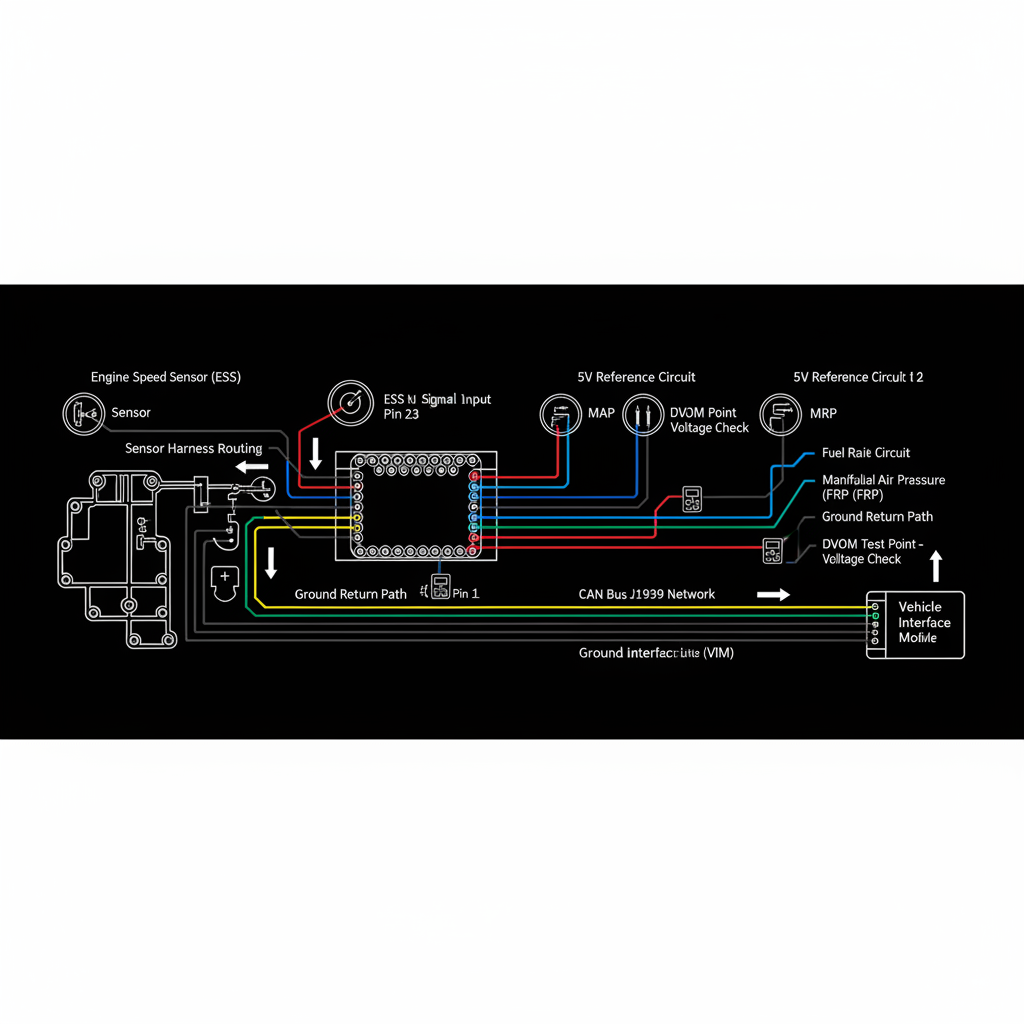
Fault Overview
This process page covers conflicting vehicle speed sources causing shift, cruise, or ECM speed-related faults. One failed sensor, tire size or parameter mismatch, network delay or dropouts, and tone ring damage on one source are the primary causes. The outlier source must be identified before any module work.
Engine & Platform Coverage
Possible Causes
- 1.One failed OSS or ABS wheel-speed sensor with others still valid
- 2.Tire size or parameter mismatch after module programming
- 3.Network delay or dropouts on broadcast speed from another module
- 4.Tone ring damage on one source producing intermittent signal loss
- 5.Incorrect speed source configuration after module replacement
Wiring & Circuit Notes
Only after identifying which source disagrees should circuit work begin. Compare OSS, wheel speeds, and dashboard or network speed at steady road speed — one outlier is the target.
DVOM Specs & Sensor Tests
List all live speed sources available in the scan tool. Compare all sources at steady road speed. One outlier with others stable identifies the faulted source. Circuit, tone ring, and configuration checks on that source only. Verify shifts and cruise behavior after correction.
Diagnostic Flow — FSM Sequence
AI Diesel Tech enforces this evidence-gate sequence. Each gate must pass before advancing.
6 steps locked behind Technician Mode- 1List all live speed sources available in the scan tool
- 2Compare all sources at steady road speed
- 3Identify the outlier — one source disagreeing with others
- 4Circuit checks on the outlier source
- 5Tone ring inspection on the outlier source
- 6Configuration and parameter checks if circuit and tone ring are good
- 7Verify shifts and cruise behavior after correction
Unlock the full evidence-gated diagnostic sequence, DVOM test steps, and repair procedures in Technician Mode.
Repair Steps
5 steps locked- 1List all live speed sources available in the scan tool
- 2Compare all sources at steady road speed
- 3Identify the outlier — one source disagreeing with others
- 4Circuit checks on the outlier source
- 5Tone ring inspection on the outlier source
- 6Configuration and parameter checks if circuit and tone ring are good
- 7Verify shifts and cruise behavior after correction
Unlock full diagnostic steps, DVOM tests, and repair procedures.
Full Diagnostic Access
Verification steps, preventative measures, severity guidance, and legacy comparison are available in Technician Mode.
Start Diagnosing This Fault Now
AI Diesel Tech walks you through every evidence gate in the correct order. Choose the plan that fits your shop.
Related Resources
AI Diesel Tech — The Technician's Diagnostic Engine
AI Diesel Tech diagnostic logic is built by an ASE Certified Diesel Technician and engineered for professional shop use. Trusted by technicians nationwide — used in shops, fleets, and training programs.
Summary
Speed source conflicts require multi-source correlation and outlier identification before any module conclusions.