
2019–2024 PACCAR MX Aftermarket ELD / Telematics Network Conflict
On MX chassis, unstable J1939 after an ELD or telematics install starts with device isolation, not OEM module replacement. OEM modules replaced while a failed ELD remained on the bus is the most documented misdiagnosis on this platform.
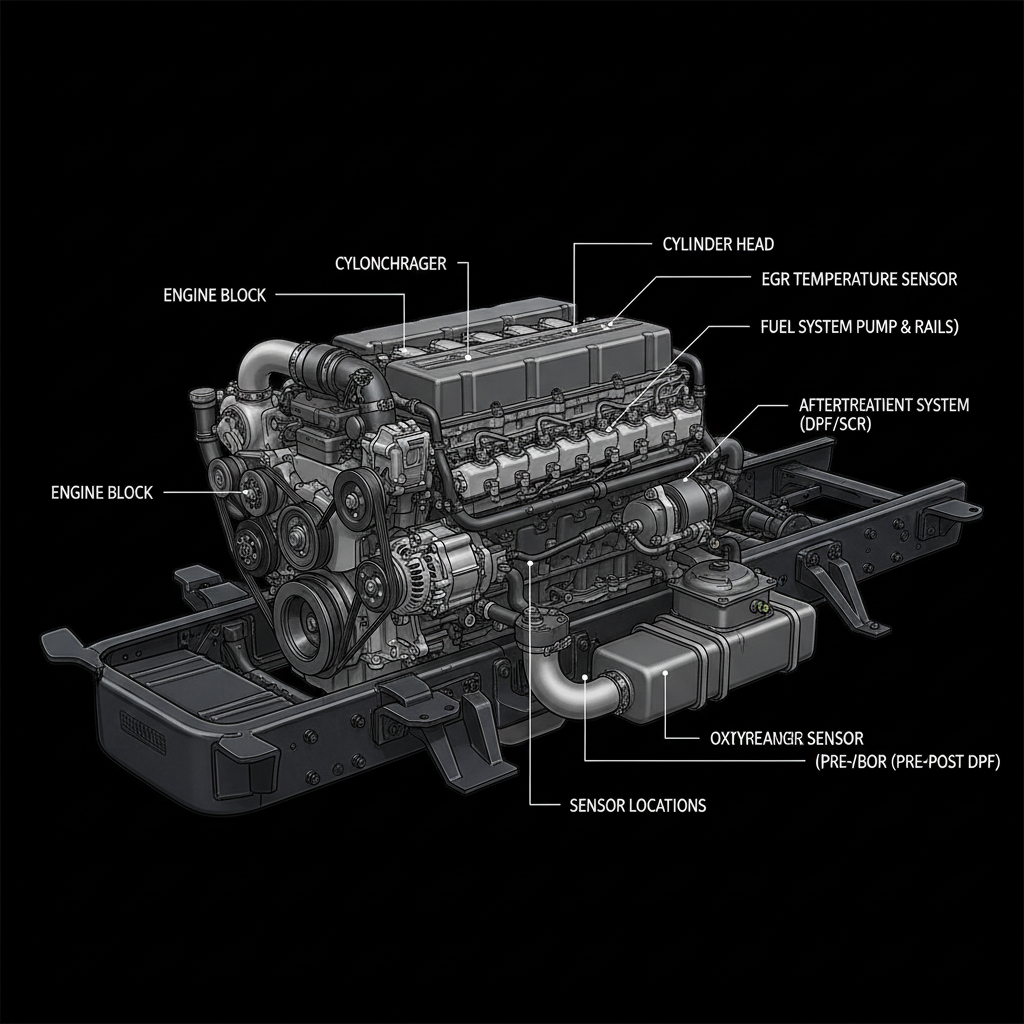
Fault Overview
This YMM page covers PACCAR MX-powered Kenworth and Peterbilt trucks where aftermarket ELD and telematics installs create J1939 errors, lost communications, or intermittent derate-related confusion in the 2019–2024 model years. Poor splices into the backbone, shorted aftermarket transceiver, extra termination, and water intrusion at add-on connectors are the primary causes. Always consult current PACCAR service information after isolating aftermarket devices.
Engine & Platform Coverage
Symptoms
- •J1939 errors appeared after ELD or telematics install
- •Network faults on MX chassis with aftermarket devices
- •OEM modules missing from scan after add-on install
- •Intermittent no-comm on Kenworth or Peterbilt after ELD install
- •Bus health restored after removing aftermarket device
Possible Causes
- 1.Poor splices into the backbone at aftermarket connection point
- 2.Shorted aftermarket transceiver loading or collapsing the bus
- 3.Extra termination from aftermarket device reducing bus impedance
- 4.Water intrusion at add-on connectors creating ground paths
- 5.Incorrect backbone protection on aftermarket install
Diagnostic Flow — FSM Sequence
AI Diesel Tech enforces this evidence-gate sequence. Each gate must pass before advancing.
5 steps locked behind Technician Mode- 1Step 1 — Inventory Aftermarket Devices: Identify every non-OEM device connected to or near the J1939 backbone on the MX chassis — ELDs, telematics units, cameras, and any other add-on devices. Document each device and its connection point.
- 2Step 2 — Disconnect Isolation: Disconnect aftermarket devices one at a time. Recheck backbone resistance and bias voltages after each disconnection. If bus health returns after one device is removed, that device is the fault source.
- 3Step 3 — Recheck Network Health: After each disconnection, measure backbone resistance and key-on bias voltages. Confirm which OEM modules return to the network scan. Bus health recovery is the key indicator of the fault source.
- 4Step 4 — Correct the Install or Replace the Offending Device: Repair or replace the identified aftermarket device. Correct the splice, termination, and backbone protection. Ensure the device does not load, short, or add extra termination to the backbone.
- 5Step 5 — Resume OEM Diagnosis Only If Faults Remain: Only after all aftermarket devices are confirmed not to be the cause, resume OEM node diagnosis using the J1939 Physical Layer Health Check Standard and current PACCAR service information.
- 6Verification Loop — Post-Repair Network Confirmation: After repair, verify backbone resistance returns to approximately 60 ohms and all OEM modules return to the network scan. Clear faults and verify no return of network conditions with all devices reconnected.
Unlock the full evidence-gated diagnostic sequence, DVOM test steps, and repair procedures in Technician Mode.
Repair Steps
3 steps locked- 1Remove or repair aftermarket device that destabilized the bus.
- 2Correct splice or termination on aftermarket install.
- 3Add proper backbone protection to aftermarket install.
- 4Seal water-damaged connector at aftermarket connection point.
- 5Resume OEM diagnosis with current PACCAR service information only if faults remain.
Unlock full diagnostic steps, DVOM tests, and repair procedures.
Full Diagnostic Access
Verification steps, preventative measures, severity guidance, and legacy comparison are available in Technician Mode.
Start Diagnosing This Fault Now
AI Diesel Tech walks you through every evidence gate in the correct order. Choose the plan that fits your shop.
Related Resources
Related Fault Codes
AI Diesel Tech — The Technician's Diagnostic Engine
AI Diesel Tech diagnostic logic is built by an ASE Certified Diesel Technician and engineered for professional shop use. Trusted by technicians nationwide — used in shops, fleets, and training programs.
Summary
PACCAR MX aftermarket ELD and telematics network conflicts require device isolation before any OEM module replacement. Disconnect devices one at a time, verify bus health at each step, and correct the install before resuming OEM diagnosis.