
2018–2023 Freightliner Cascadia Low Voltage and No-Comm Interaction
Cascadia intermittent no-comm is often low voltage first, network hardware second. Modules replaced for faults that disappeared after battery and cable service is the most documented pattern on this platform.
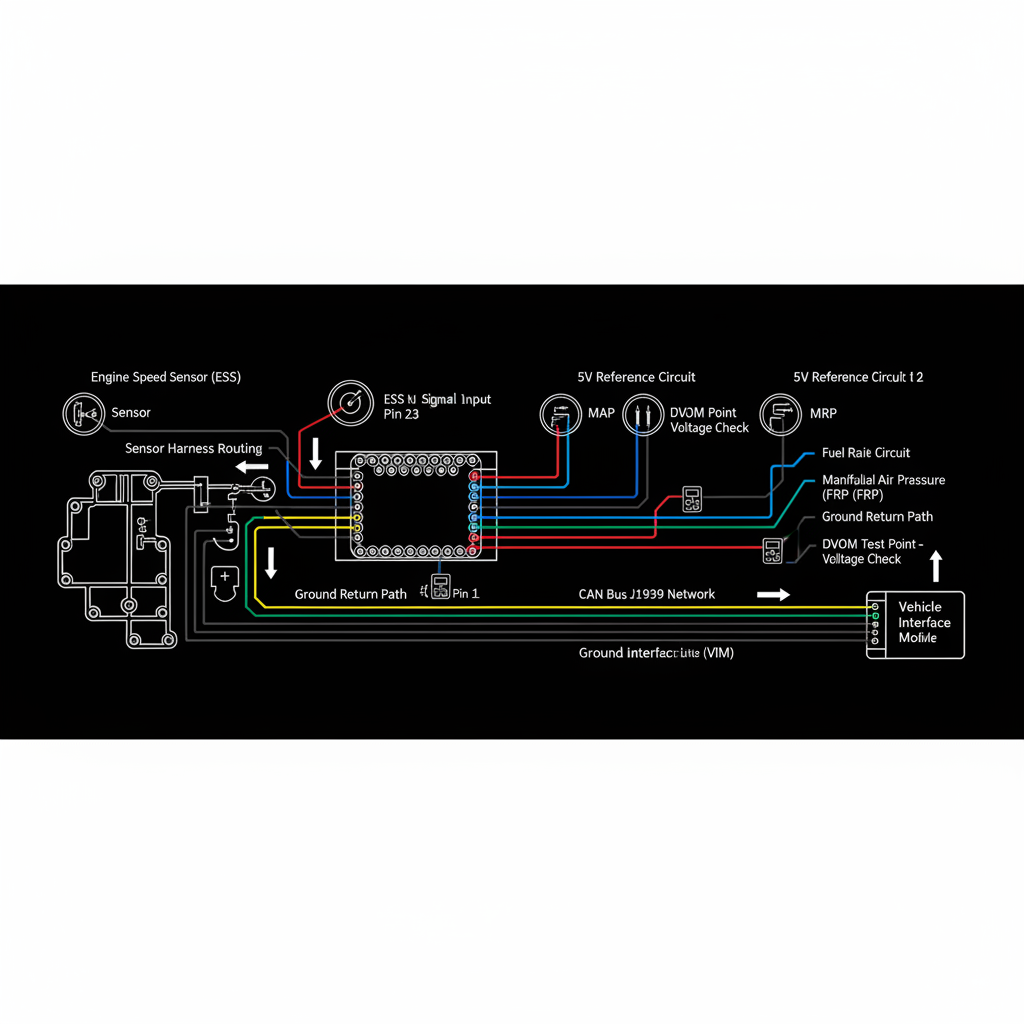
Fault Overview
This YMM page covers Freightliner Cascadia intermittent no-comm and random module faults driven by low voltage or poor power distribution in the 2018–2023 model years. Weak batteries, high-resistance grounds, undercharging, main power distribution issues, aftermarket loads, and true network faults secondary to brown-outs are the primary causes. Power-first diagnosis is mandatory before network hardware replacement. Always consult current OEM literature by VIN for platform-specific service information.
Engine & Platform Coverage
Symptoms
- •Intermittent no-comm events on multiple modules
- •Random module fault codes that clear and return
- •No-comm events that correlate with low system voltage
- •Multiple controllers dropping offline intermittently
- •No-start events associated with module communication loss
Possible Causes
- 1.Weak batteries with reduced capacity
- 2.High-resistance grounds at frame, engine, or cab
- 3.Undercharging from marginal alternator or cable resistance
- 4.Main power distribution issues at junction blocks
- 5.Aftermarket loads increasing electrical demand
- 6.True network faults secondary to brown-out events
Diagnostic Flow — FSM Sequence
AI Diesel Tech enforces this evidence-gate sequence. Each gate must pass before advancing.
5 steps locked behind Technician Mode- 1Single Action Gate — Battery and Charging Health: Perform a load test or conductance test on all batteries. Measure running voltage at battery and alternator. Trend key-on, idle, and loaded running voltages. Weak batteries and marginal alternator output are the most common causes of Cascadia intermittent no-comm.
- 2Binary Decision Gate — Voltage-Drop Grounds and Feeds: Perform voltage-drop tests on all main grounds — frame, engine, and cab — and main power feeds under load. A voltage drop greater than OEM specification on any ground or feed circuit can trigger module communication dropouts that appear as network faults.
- 3Override Manager — Aftermarket Load Audit: Identify and evaluate all aftermarket electrical loads — inverters, lighting, HVAC accessories, and other high-draw devices. Excessive aftermarket loads can reduce available voltage below module communication thresholds, especially at idle.
- 4Safety Interceptor — Network Physical Layer Only After Power Is Stable: Perform J1939 physical-layer checks — resistance, bias, terminator verification, and segment isolation — only after battery, charging, and ground integrity are confirmed. Network hardware faults that are secondary to brown-outs will not be resolved by network repairs alone.
- 5Resume Point — Module Path Last: Proceed to individual module diagnosis only after power quality is stable and network physical layer is proven healthy. Module replacement on a Cascadia with unresolved low-voltage conditions produces repeat failures.
- 6Verification Loop — Post-Repair Confirmation: After repair, verify voltage stability under all operating conditions. Confirm all modules communicate reliably. Monitor over several operating cycles for return of intermittent no-comm events.
Unlock the full evidence-gated diagnostic sequence, DVOM test steps, and repair procedures in Technician Mode.
Repair Steps
4 steps locked- 1Replace batteries that fail load or conductance test.
- 2Repair high-resistance grounds at frame, engine, and cab.
- 3Repair main power feed resistance at junction blocks.
- 4Service or replace marginal alternator.
- 5Reduce excessive aftermarket loads if contributing.
- 6Repair network hardware only if faults remain after power is stabilized.
Unlock full diagnostic steps, DVOM tests, and repair procedures.
Full Diagnostic Access
Verification steps, preventative measures, severity guidance, and legacy comparison are available in Technician Mode.
Start Diagnosing This Fault Now
AI Diesel Tech walks you through every evidence gate in the correct order. Choose the plan that fits your shop.
Related Resources
Related Fault Codes
Related Systems
Related Fault Codes
Related Sensor Locations
Common Symptoms
Related Articles
AI Diesel Tech — The Technician's Diagnostic Engine
AI Diesel Tech diagnostic logic is built by an ASE Certified Diesel Technician and engineered for professional shop use. Trusted by technicians nationwide — used in shops, fleets, and training programs.
Summary
Freightliner Cascadia intermittent no-comm is a power-first diagnosis. Battery, charging, and ground integrity must be proven before any network hardware or module replacement.